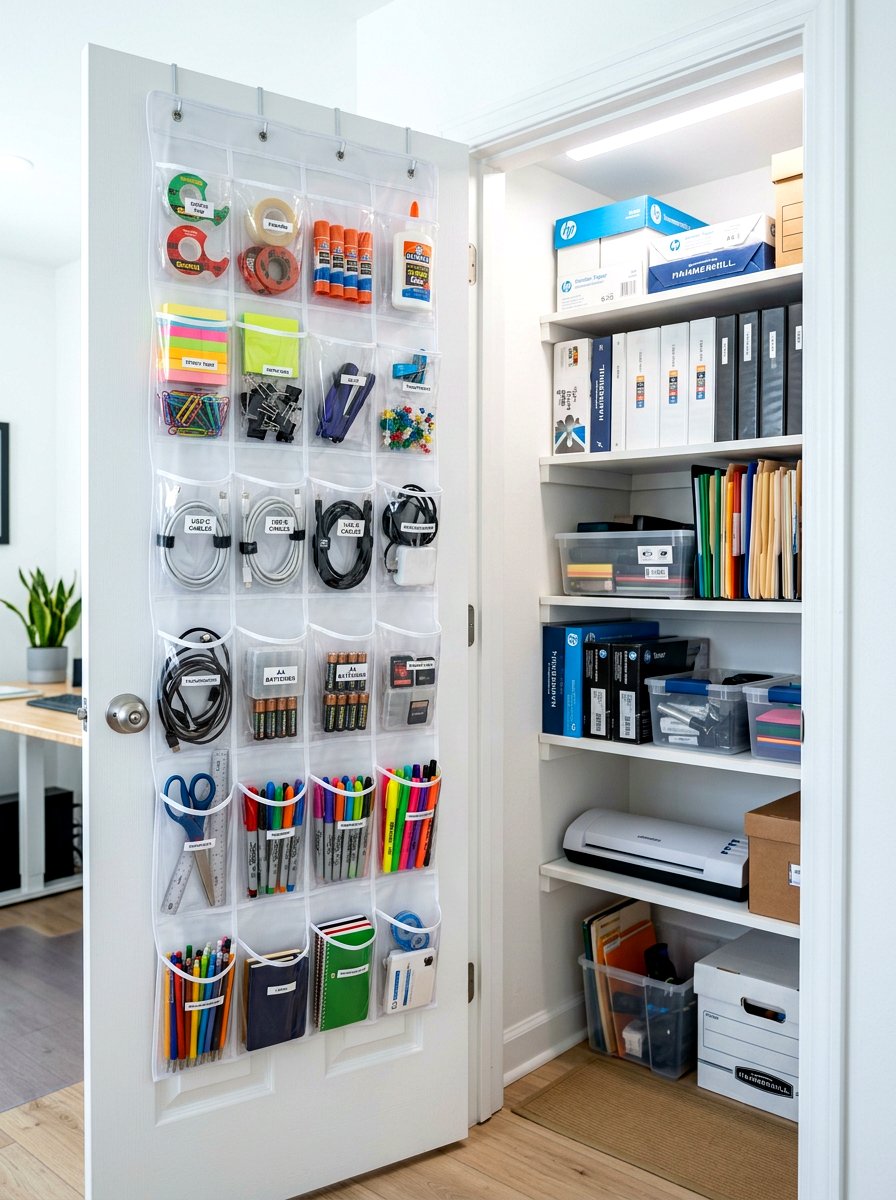
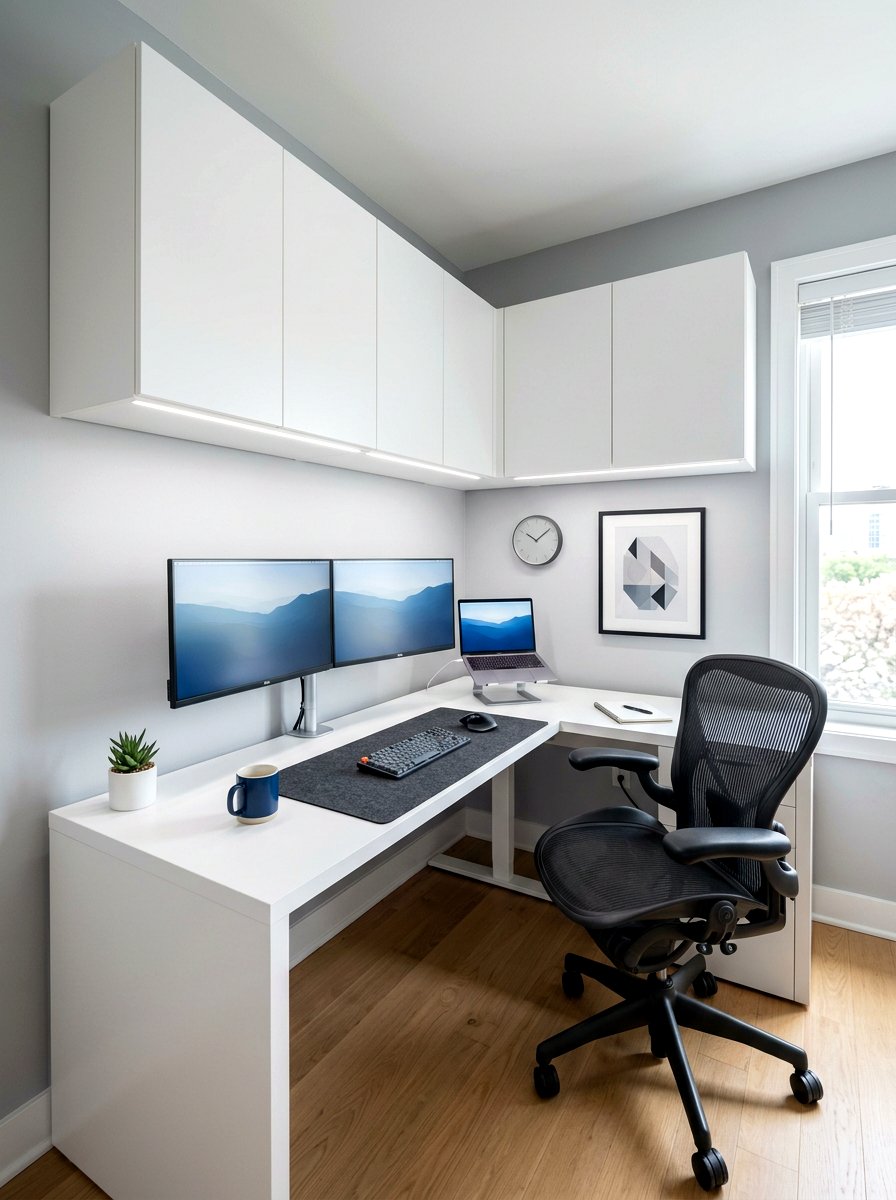
Stepping into a workspace that feels clean and organized can instantly boost your mental clarity and overall productivity. When you are surrounded by a tangled web of power cords and charging cables, it is hard to focus on the tasks at hand. Developing a systematic approach to office cable management is not just about aesthetics; it is about creating a safer and more efficient environment for your daily workflow. By implementing smart solutions that tuck away the visual noise, you can transform a chaotic desk into a minimalist sanctuary that inspires creativity. This guide explores thirty practical and professional ways to master your workspace cord organization.

1. Under Desk Cable Tray
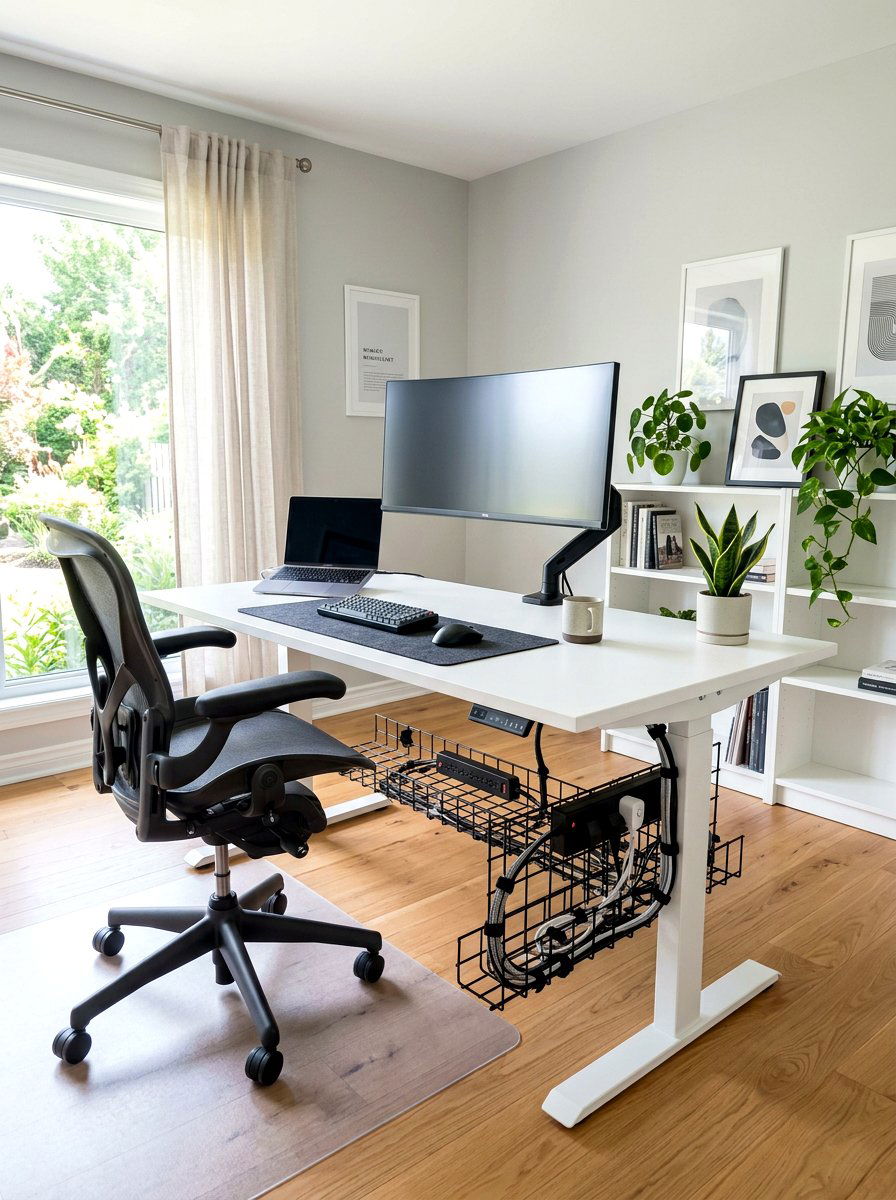
Installing a sturdy metal or mesh tray beneath your desktop is one of the most effective ways to clear the floor. These trays are designed to hold heavy power strips and excess lengths of thick computer cables that usually dangle in the way. By lifting everything off the ground, you make it much easier to vacuum or sweep the area around your workstation. Most trays are easy to mount with a few screws and offer plenty of ventilation to prevent your power bricks from overheating. This solution creates a floating effect for your desk, making the entire room look much larger and more professional instantly.
2. Cable Management Box
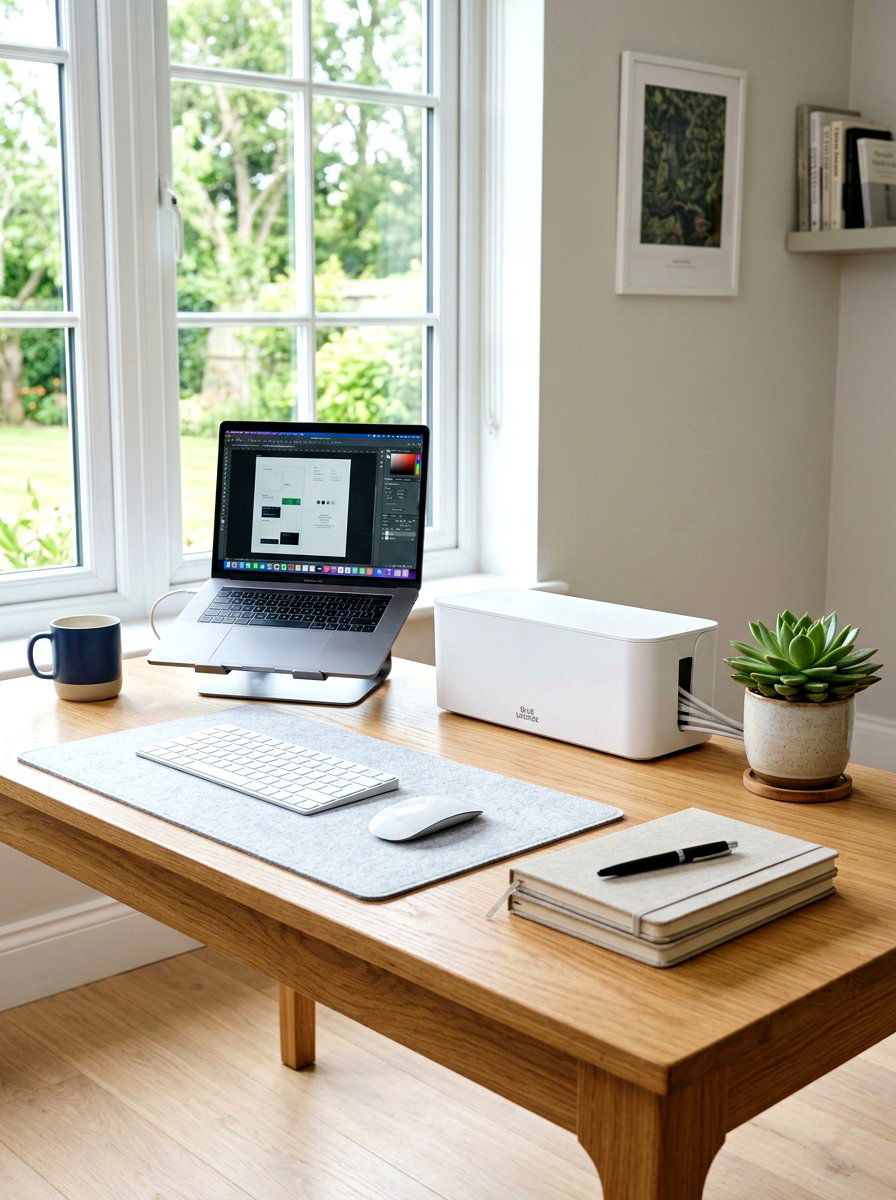
A dedicated storage box is a perfect solution for hiding the messy "rat's nest" of wires that often gathers near an outlet. These sleek boxes come in various sizes and colors to match your home office decor, allowing you to place a power strip inside and feed cords through side slots. They are particularly useful for protecting your electronics from dust while also keeping curious pets or small children away from dangerous electrical connections. Using a box on top of the desk or on the floor nearby ensures that only the necessary length of wire is visible to the naked eye.
3. Adhesive Cable Clips
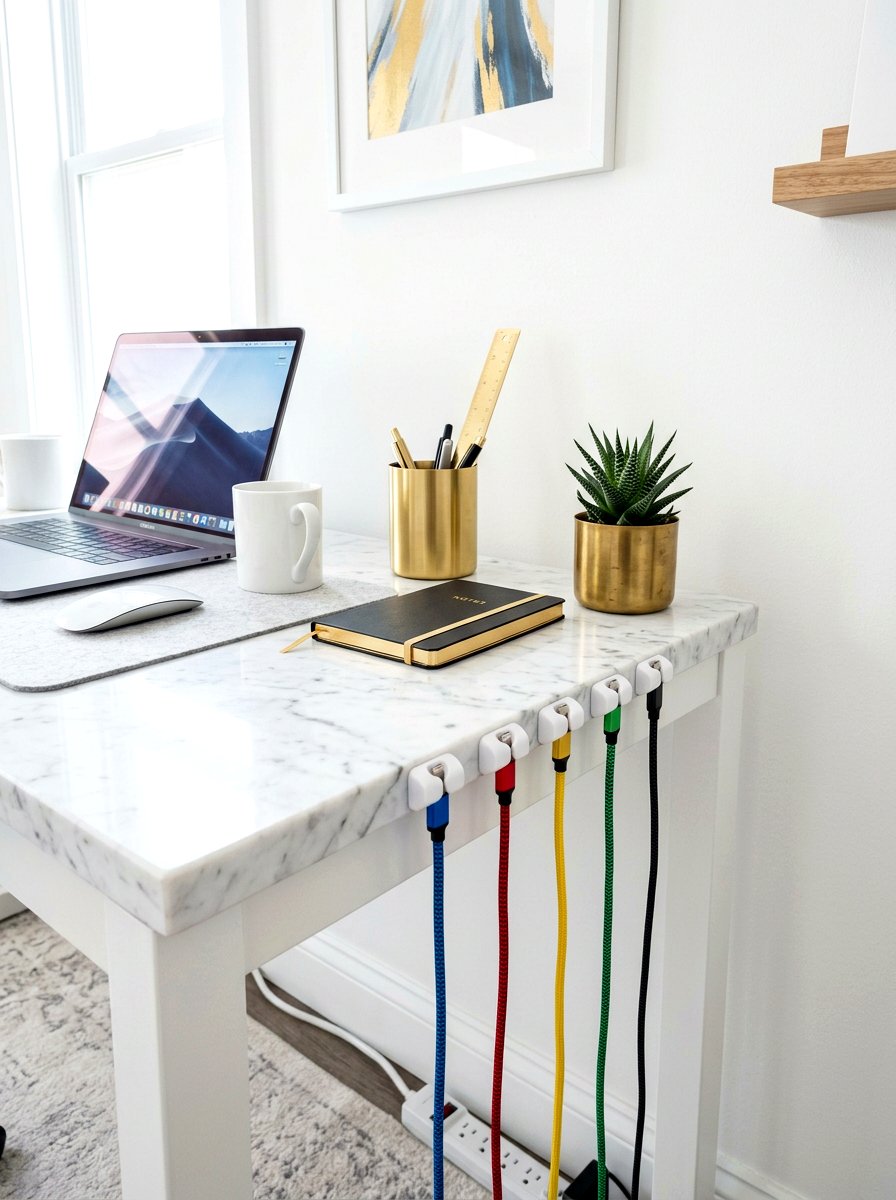
Small adhesive clips are essential for keeping individual charging cables from sliding off the back of your desk when they are not in use. You can stick these tiny organizers along the edges of your furniture to guide phone chargers and laptop power cords exactly where you need them. They come in various finishes, including silicone and clear plastic, so they blend in perfectly with any surface material. By securing your most frequently used wires in a specific spot, you save time and frustration every morning. These clips are inexpensive and provide a simple way to maintain a highly functional and tidy desktop.
4. Velcro Wire Ties
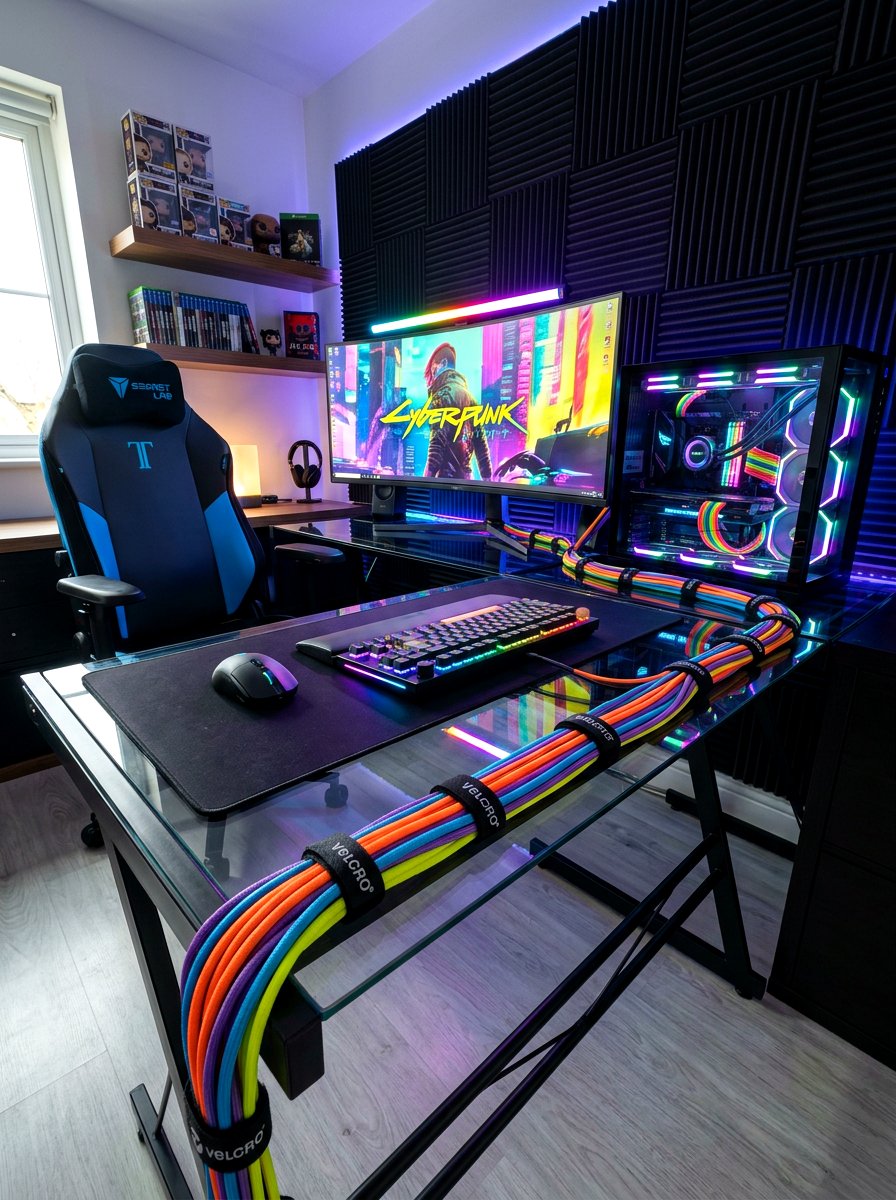
Traditional plastic zip ties can be frustrating because they are difficult to remove and often require cutting, which can damage your expensive cords. Reusable Velcro straps offer a much more flexible alternative for bundling groups of wires together into a single, neat column. You can easily wrap them around a thick cluster of monitor and peripheral cables to keep them from tangling or spreading out behind your monitor. If you ever need to add a new device or move your setup, you simply unwrap the strap and adjust it. They are soft, durable, and available in many different colors for easy identification.
5. Braided Cable Sleeves
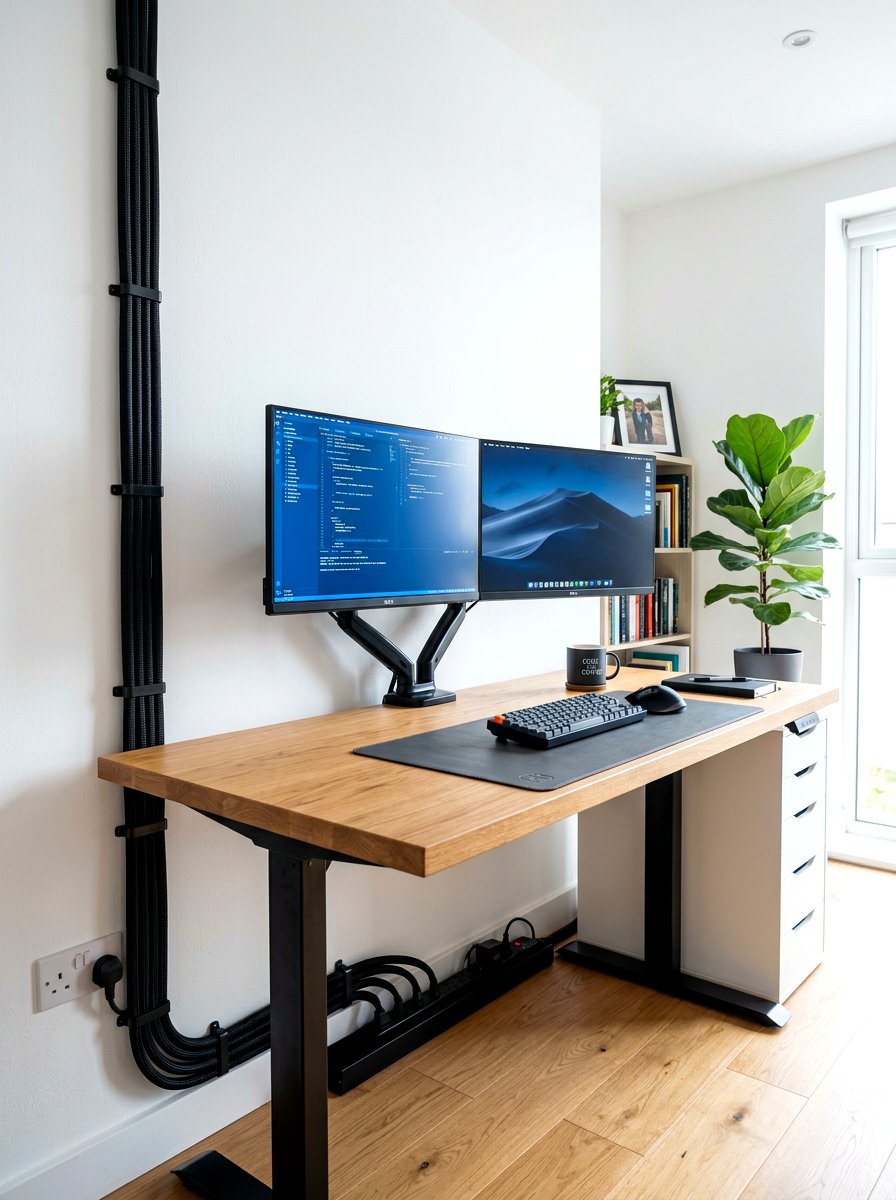
If you have multiple wires running from your computer to the wall, a braided sleeve can wrap them into one clean-looking tube. These flexible sleeves are made from durable materials that expand to fit several thick cords at once, providing a very high-end and finished appearance. They are excellent for protecting your wires from being pinched or chewed while also making the back of your PC look incredibly professional. Many sleeves feature a split design or a zipper, allowing you to easily breakout individual cables at different points along the run. This is a favorite choice for gamers and professional office workers.
6. J Channel Cable Raceway
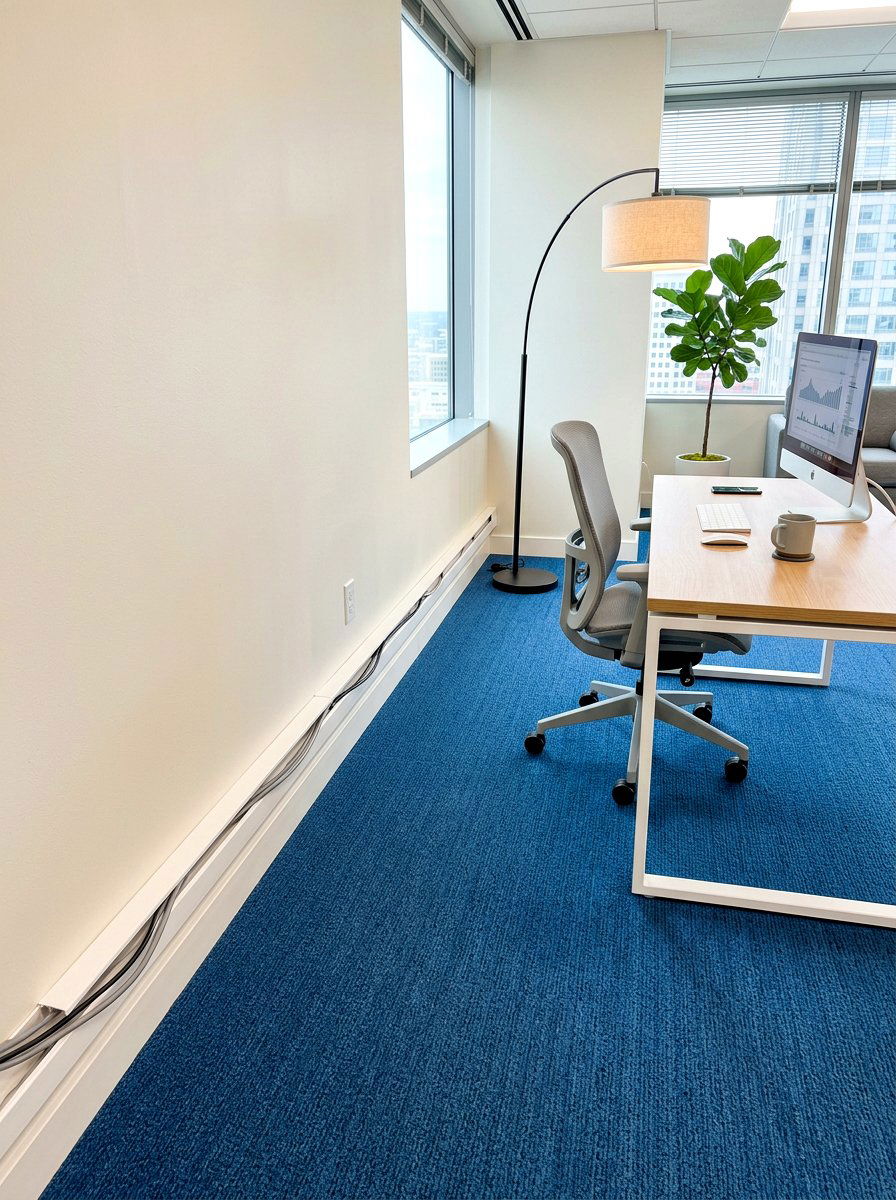
A horizontal or vertical raceway shaped like a "J" provides an easy-to-use channel for tucking away long runs of electrical cords. These channels usually feature a strong adhesive backing, allowing you to stick them directly to the underside of your desk or along the baseboards of your room. The open-top design makes it incredibly simple to drop wires in or pull them out whenever you need to make changes to your setup. Because they are rigid, they keep your cords perfectly straight and hidden from view. You can even paint them to match your walls for a completely seamless and integrated look.
7. Power Strip Under Desk Mount
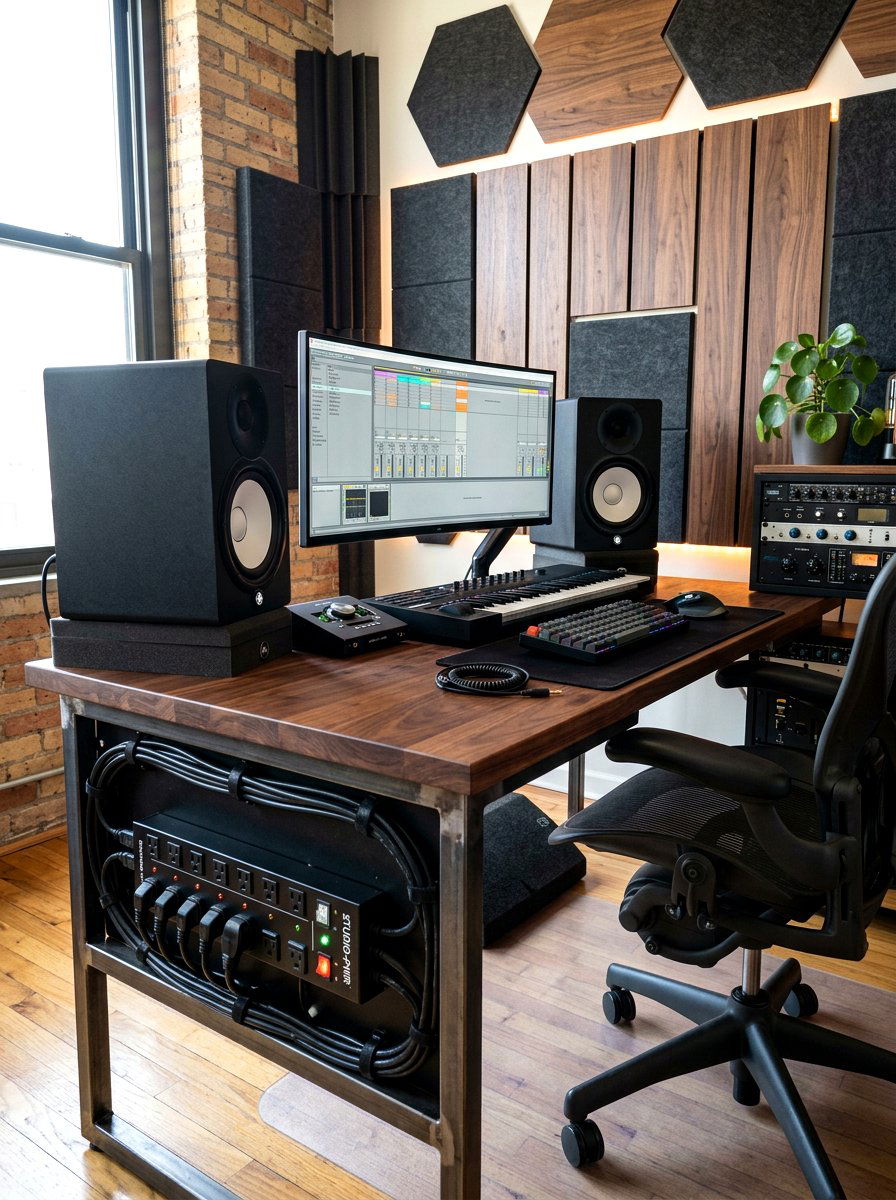
Moving your power strip from the floor to the bottom of your desk is a game-changing move for workspace organization. Many modern surge protectors come with mounting holes on the back, or you can use heavy-duty adhesive strips to secure them firmly in place. This prevents the heavy weight of the power strip from pulling on your device cords and keeps everything within easy reach. When the power source is attached to the desk itself, you only have one single main cord running to the wall outlet. This creates a much cleaner silhouette and significantly reduces the risk of accidental tripping hazards.
8. Desk Hole Grommet
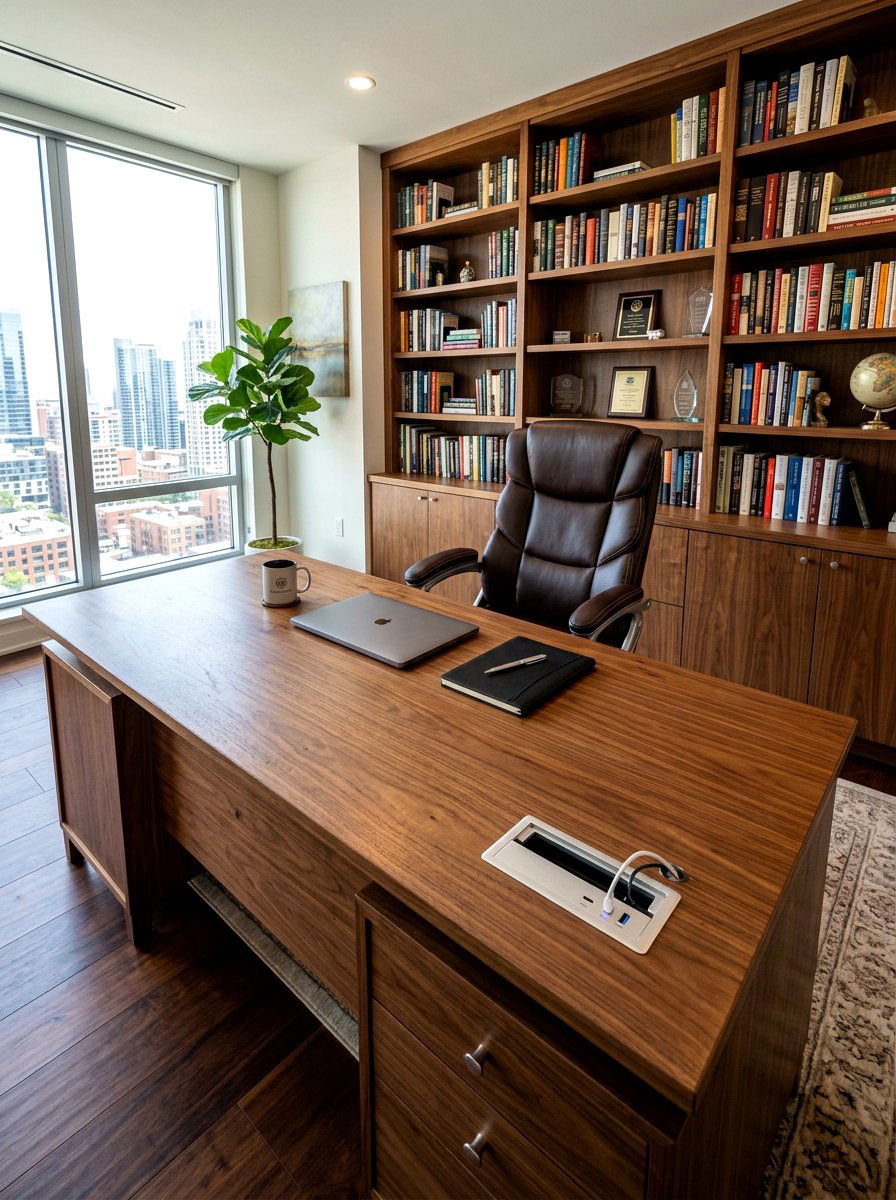
Most professional office desks feature a pre-drilled circular hole that allows cables to pass through the desktop surface smoothly. If your furniture does not have one, installing a plastic or metal grommet is a straightforward DIY project that adds immediate value. These inserts protect your wires from sharp edges while also providing a dedicated path for keyboard and mouse cords. Some advanced grommets even include built-in USB ports or power outlets, giving you convenient access to electricity right at the surface level. It is a classic solution that helps keep the top of your workspace looking intentional and highly organized.
9. Standing Desk Cable Snake
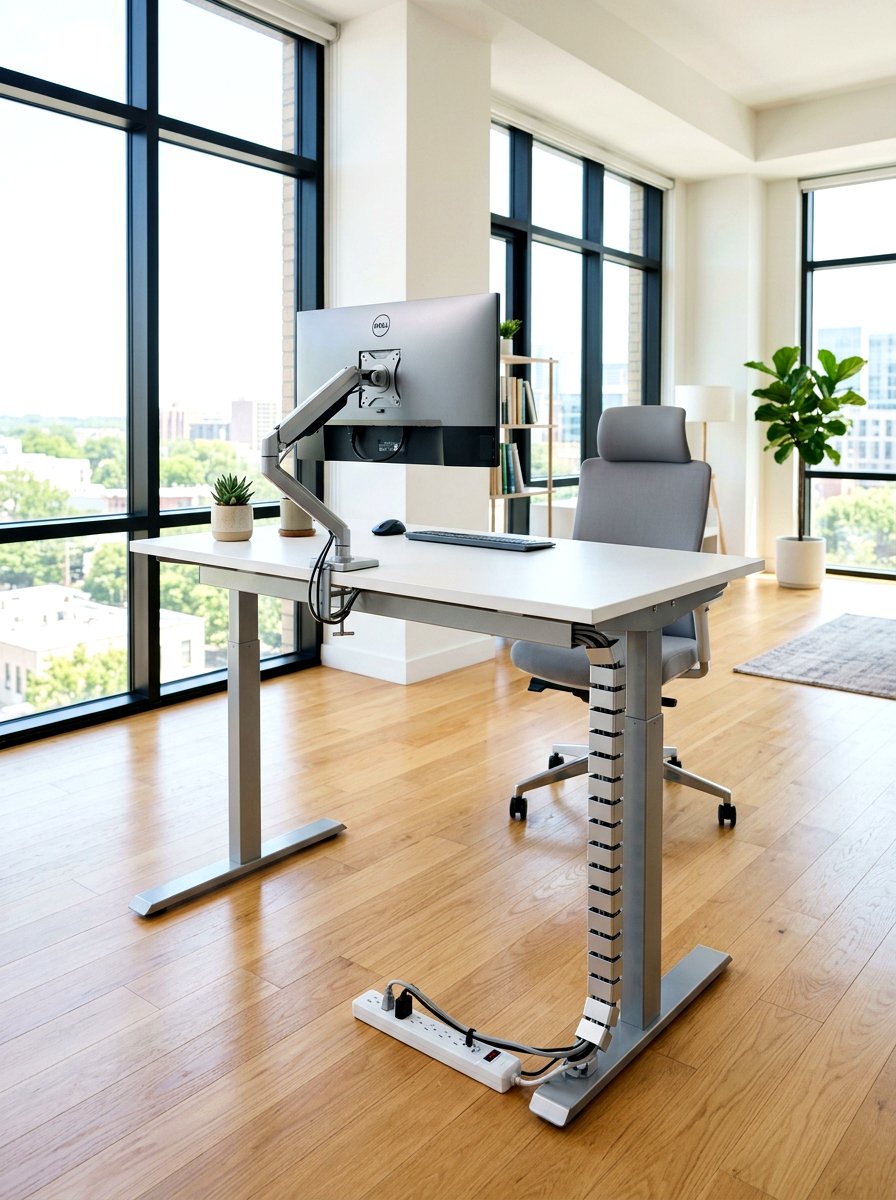
For those who use height-adjustable desks, managing cords can be a unique challenge because the distance to the floor constantly changes. A specialized cable spine or "snake" features interlocking segments that bend and flex as your desk moves up and down. This ensures that your wires never get snagged on the frame or stretched too thin during height transitions. The spine keeps all of your vertical cables contained in a single, articulated column that looks like a piece of high-tech equipment. It provides a sophisticated way to handle the dynamic movement of a modern, ergonomic workspace without any messy dangling.

10. Magnetic Cable Organizer

Magnetic organizers offer a modern and satisfying way to manage the various charging leads that clutter your desktop throughout the day. These systems typically consist of a small metal base plate and several magnetic collars that you attach to the ends of your USB cables. When you are finished charging your phone or tablet, the cable snaps back onto the base with a gentle click. This keeps the connectors perfectly aligned and prevents them from falling behind the furniture. It is a tactile and elegant solution that works especially well for people who frequently switch between different mobile devices.
11. Pegboard Wall Storage
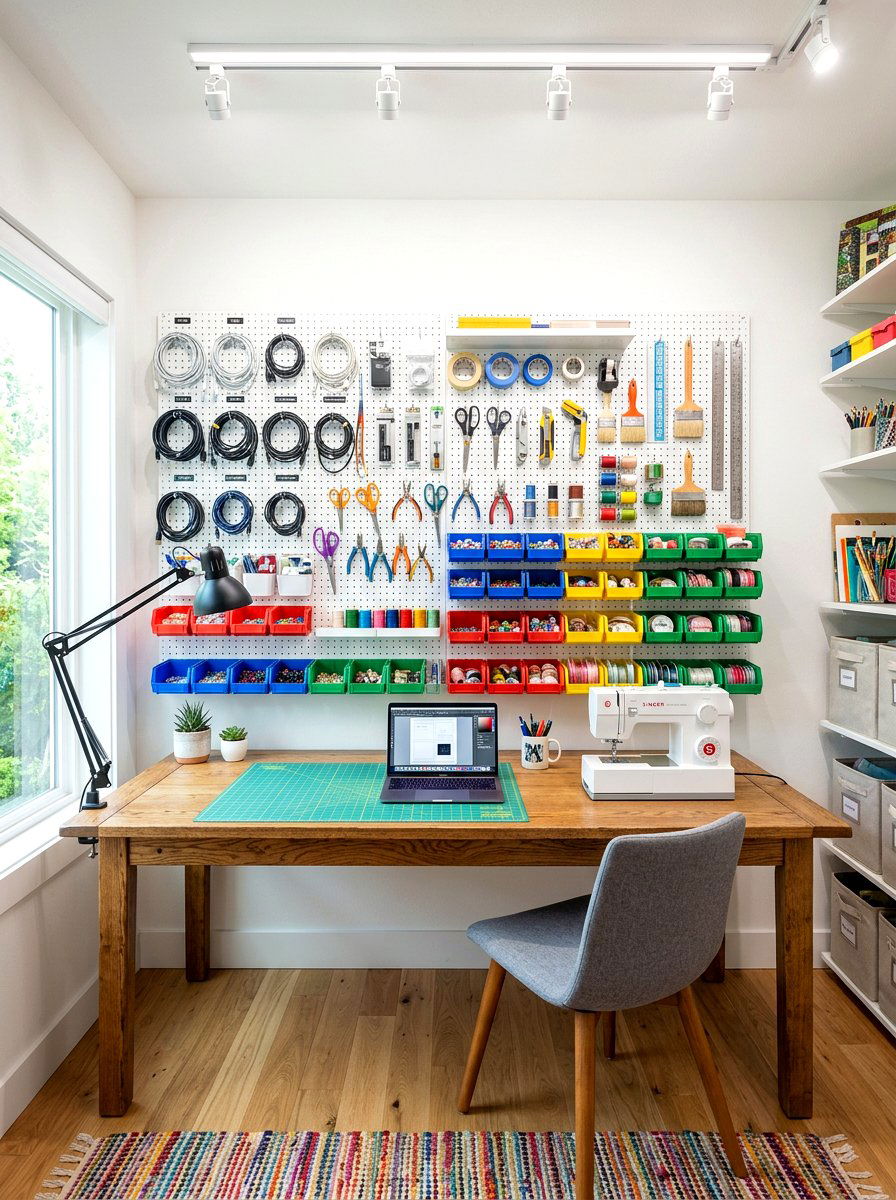
Mounting a pegboard on the wall behind or beside your desk creates a versatile vertical station for all your organizational needs. You can use various hooks and baskets to wind up long extension cords or store extra peripheral wires that are not currently in use. This method keeps your tools off the desk surface while still keeping them within your line of sight for quick access. Pegboards also allow you to mount power strips and network hubs directly to the board, turning your cable management into a functional piece of industrial wall art. It is a highly customizable and very popular Pinterest trend.
12. Floor Cord Cover
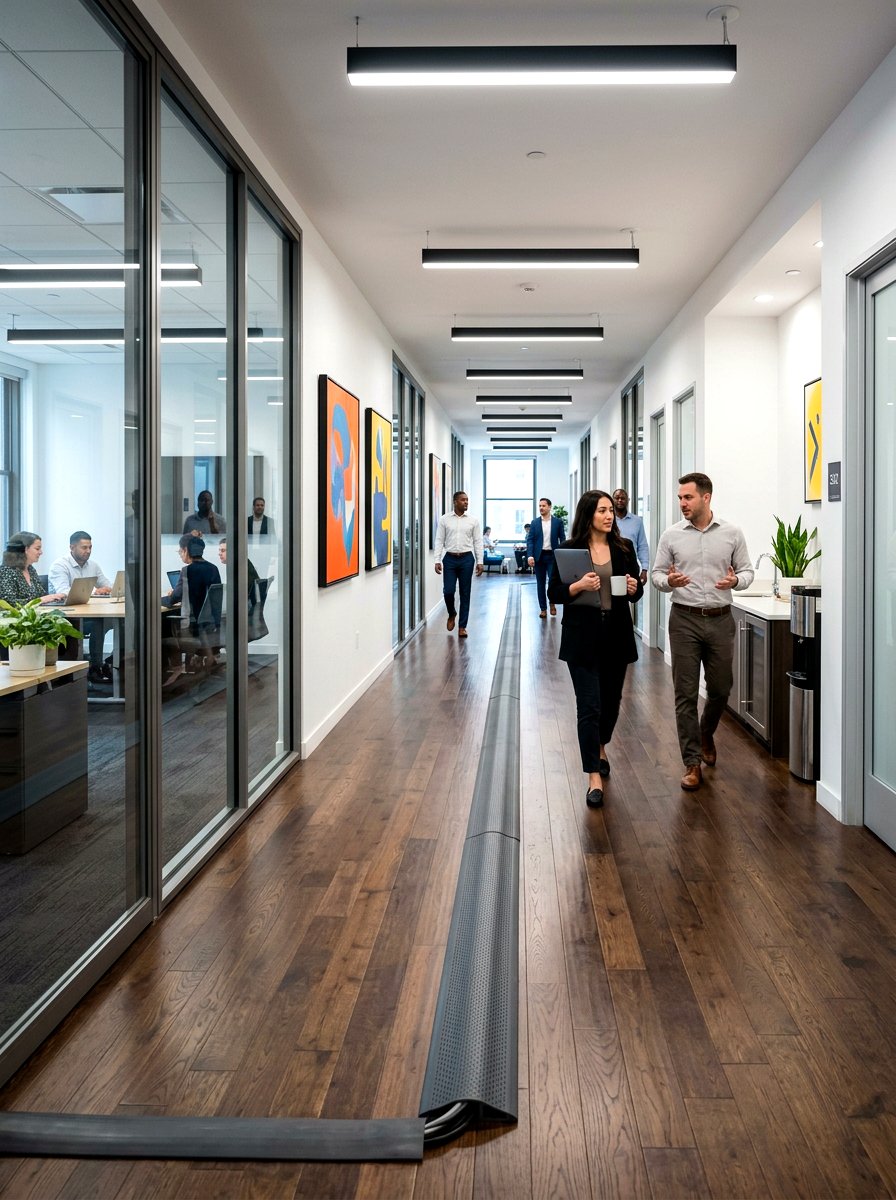
When you must run a cord across a high-traffic area, a heavy-duty floor cover is essential for both safety and aesthetics. These rubber or plastic strips feature a low-profile ramp design that allows people and office chairs to pass over them without any issues. They protect the delicate internal wiring of your electronics from being crushed while also preventing dangerous trips and falls. Most floor covers are available in neutral colors like gray, black, or beige to blend in with your carpet or hardwood floors. They are a practical necessity for any office layout where the power outlet is far away.
13. Wireless Office Peripherals
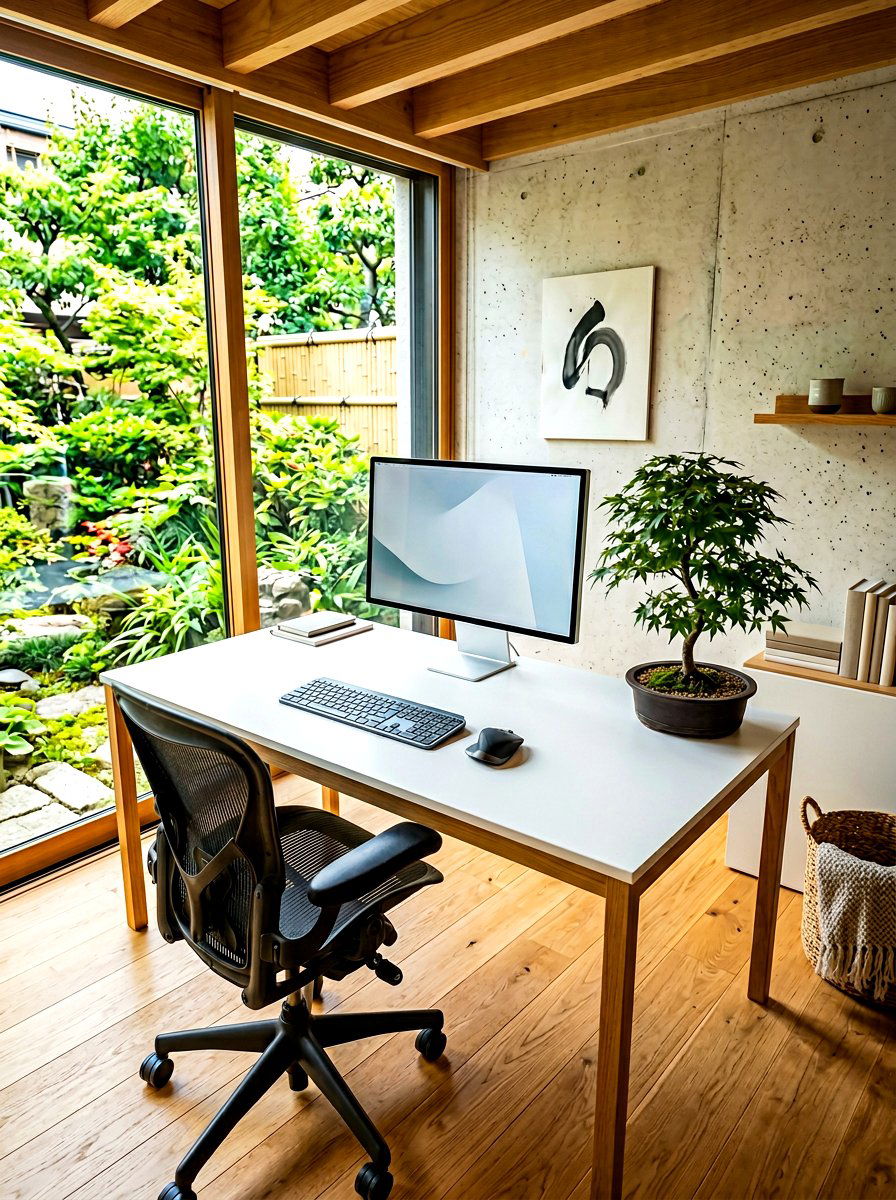
One of the most effective ways to manage office cables is to simply eliminate as many of them as possible. Switching to a high-quality wireless keyboard, mouse, and headset can drastically reduce the number of wires crossing your desk surface. Modern Bluetooth and 2. 4GHz technologies offer lag-free performance that is suitable for both professional work and intense gaming sessions. Without the clutter of peripheral cords, your desktop feels much more open and inviting, allowing your design choices to shine. Investing in a few key wireless devices is often the first step toward achieving a truly minimalist and modern workspace aesthetic.
14. Monitor Arm Cable Routing
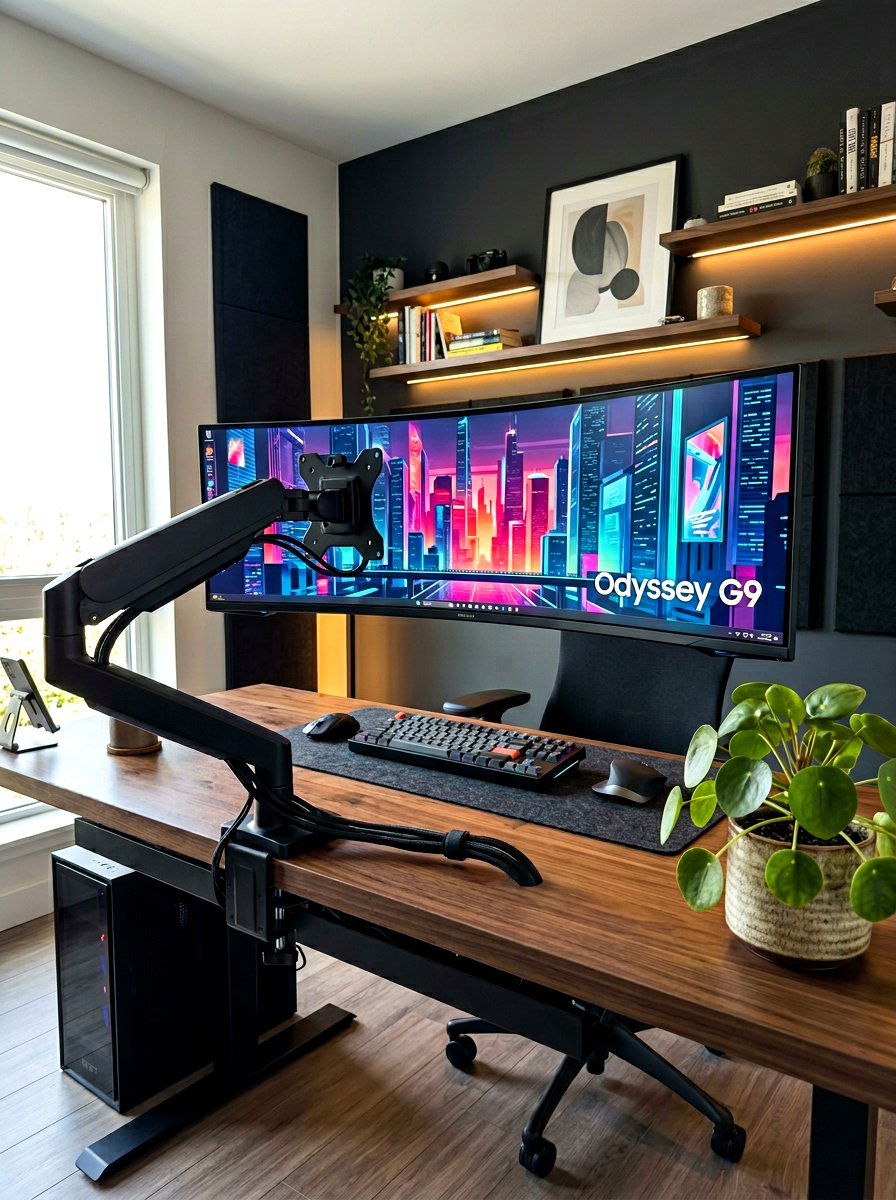
High-quality monitor arms almost always include integrated channels or clips specifically designed to hide the power and display cables. By routing your wires through the arm itself, you remove the clutter that usually hangs down behind your screen. This creates a very clean, "floating" monitor look that is a staple of high-end office setups. It also ensures that your cables have enough slack to move freely when you adjust the height or tilt of your display. Keeping these wires tucked away within the structure of the arm prevents them from getting tangled with other items on your desk surface.
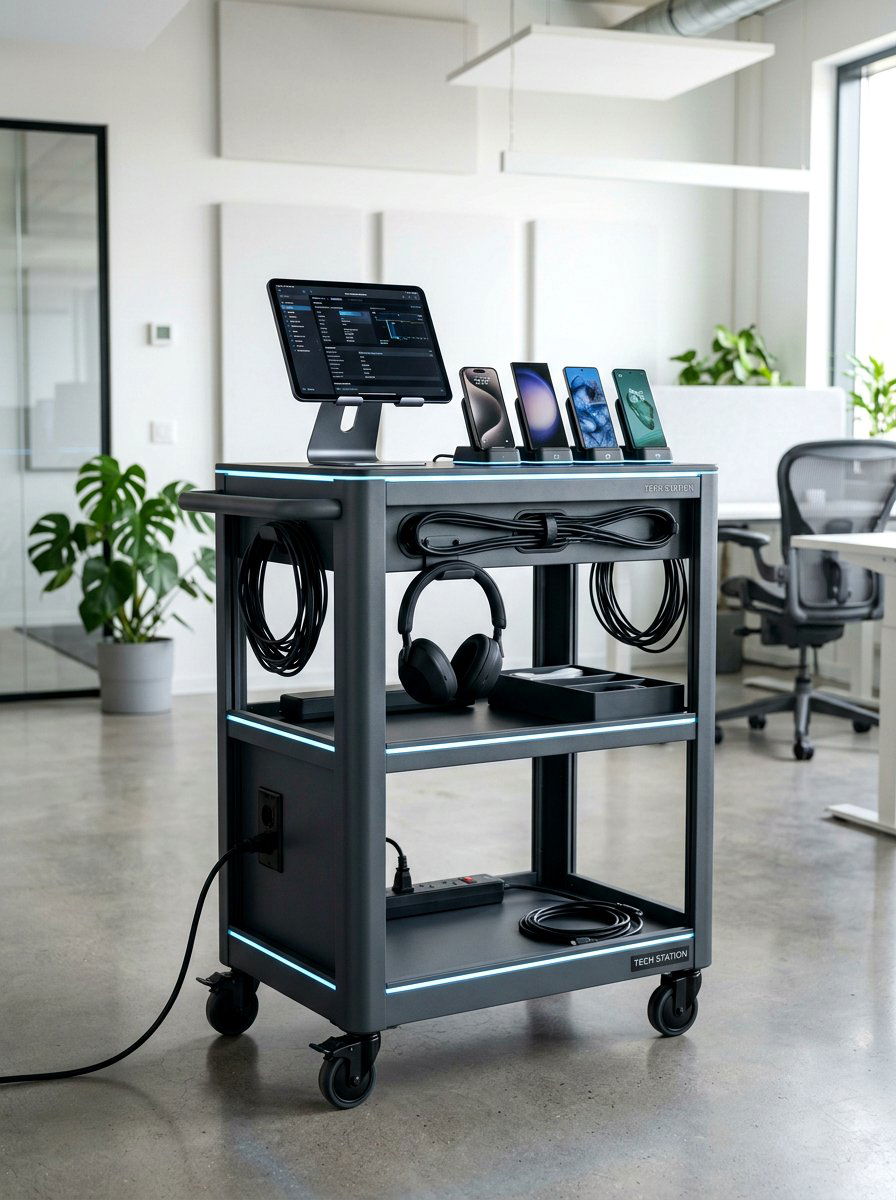

15. Desktop Charging Station
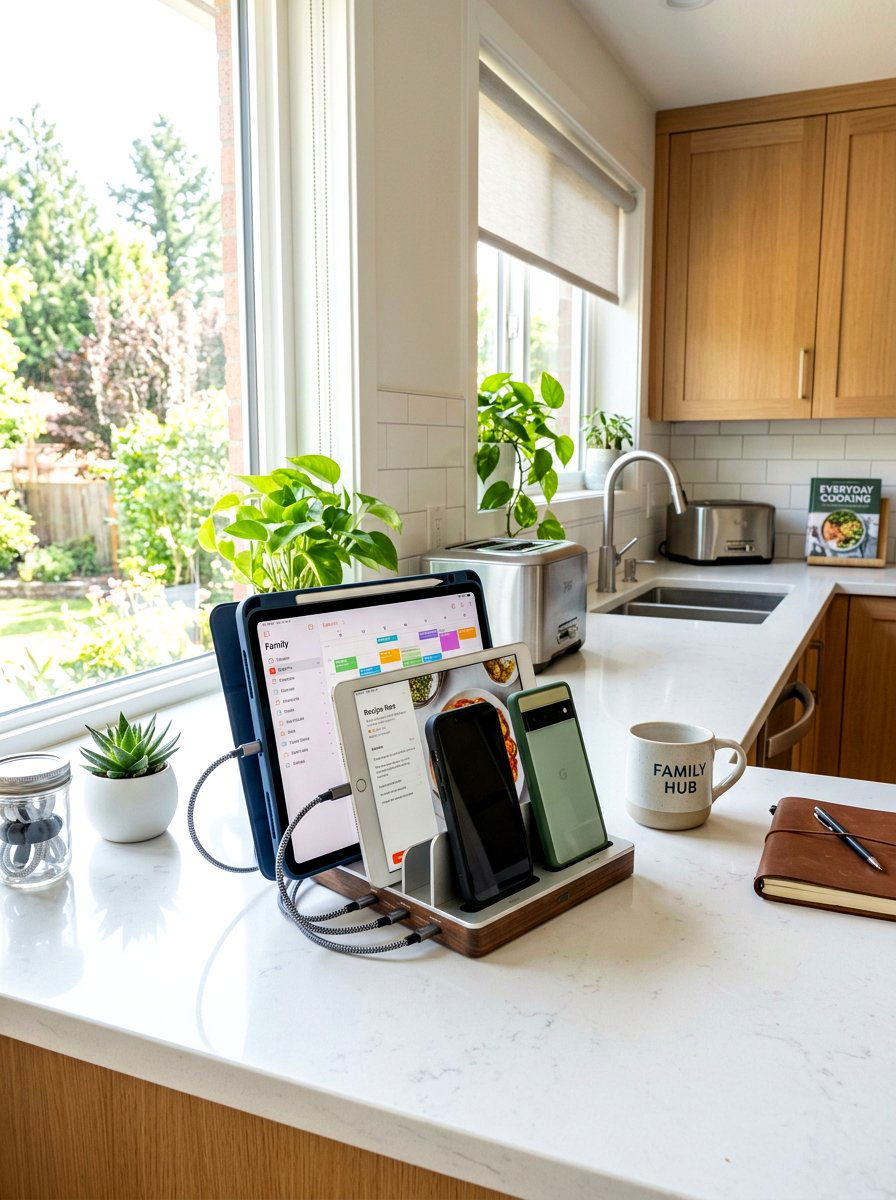
A multi-port charging station acts as a central hub for all your mobile devices, significantly reducing the need for multiple wall adapters. These stations often feature several USB-A and USB-C ports in a single compact unit, allowing you to charge your phone, watch, and earbuds simultaneously. Many designs include small dividers or slots to hold your devices upright while they power up, keeping the footprint very small. By consolidating your charging needs into one device with a single power cord, you eliminate the messy web of individual chargers that often spills across a workspace or bedside table area.
16. Wall Mounted Cord Channel

When your desk is positioned against a wall, you can use decorative cord channels to guide wires toward the ceiling or floor. These plastic covers are flat on one side and snap shut to keep multiple wires completely hidden from view. They are particularly useful for mounting speakers or lamps that require a long run of visible wire along the vertical surface of the wall. Because most of these channels are paintable, you can easily match them to your room's color scheme for a nearly invisible finish. This is a great way to maintain a clean and professional look in a home office.
17. Desk Leg Cable Clips
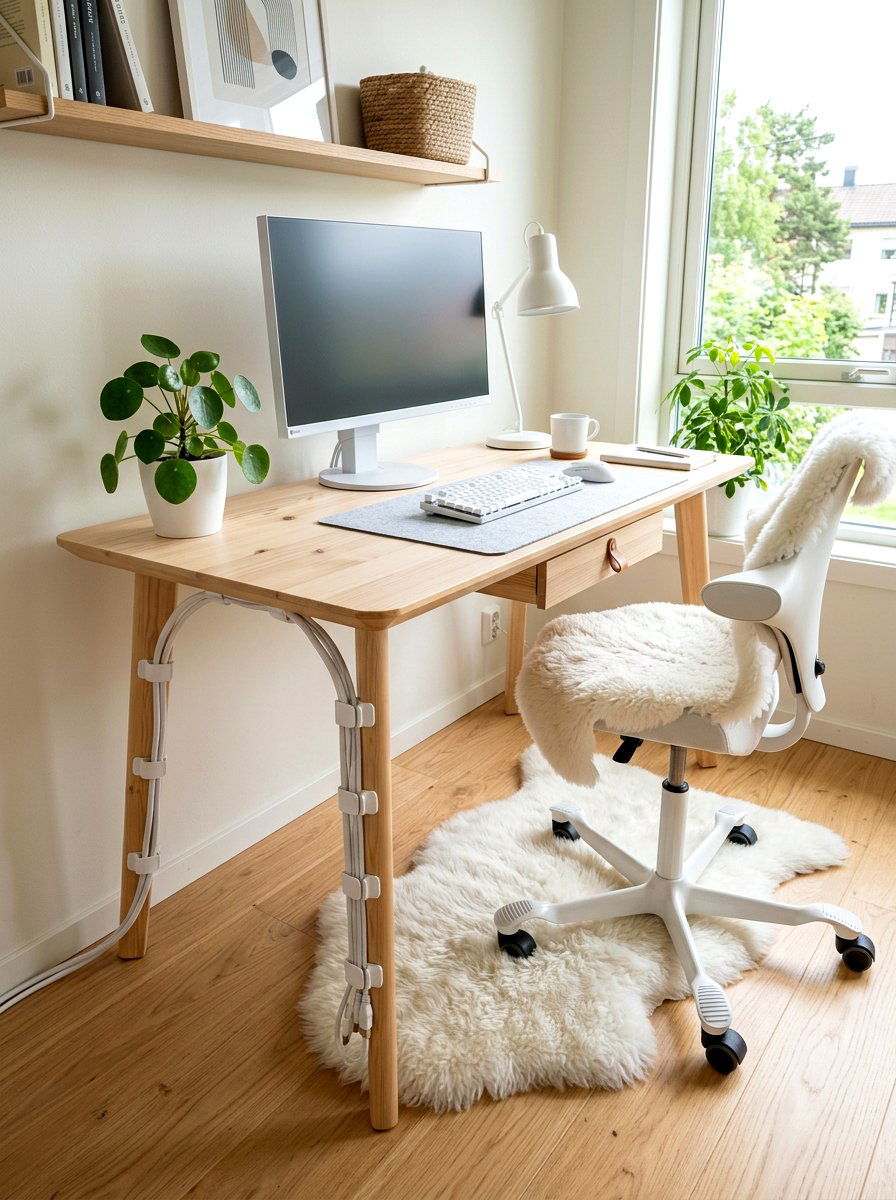
Running your main power cables down the back of a desk leg is a clever way to hide them in plain sight. Many office furniture manufacturers sell specialized clips that snap onto metal or wooden legs, providing a secure path for cords to travel to the floor. If your desk didn't come with them, you can use clear adhesive clips or even matching Velcro strips to achieve the same effect. By hugging the structural lines of your furniture, the wires become much less noticeable to anyone walking into the room. This technique helps maintain a sleek and organized silhouette for your workstation.
18. Under Desk Basket
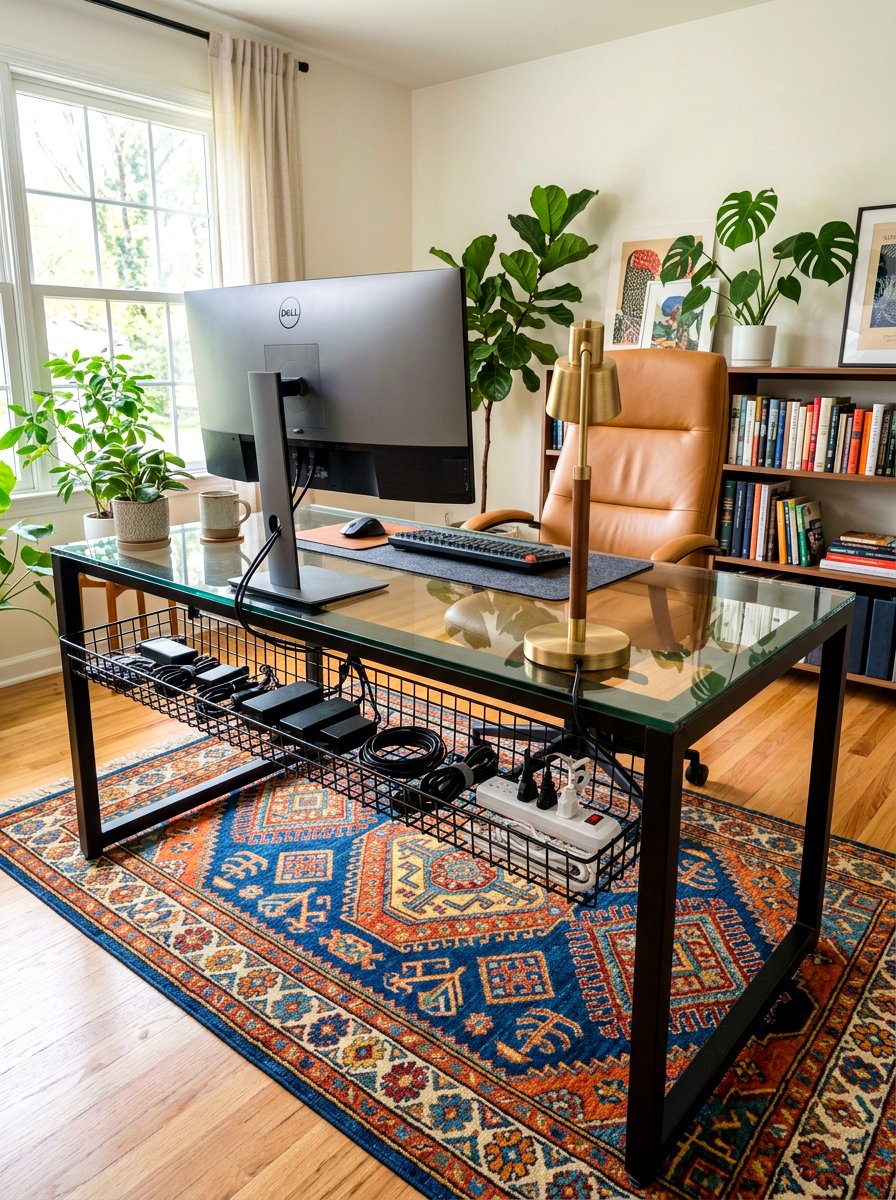
A large wire basket mounted to the underside of your desk provides a flexible "catch-all" area for bulky power adapters and long cords. Unlike narrow trays, these baskets offer more room to loosely coil excess cable length, which is better for the long-term health of the wires. They are usually made of ventilated steel, ensuring that your equipment stays cool even during long workdays. This solution is perfect for users with complex setups involving many different peripherals and external hard drives. It keeps the heavy equipment off the floor while keeping the top of the desk completely free of any electrical clutter.
19. Cable Management Spine

A vertical cable spine consists of several circular or rectangular links that protect your wires as they travel from the desk to the floor. These spines are often weighted at the bottom to stay in place, and the individual links can be removed to adjust the height perfectly. They provide a very organized and industrial look that fits well in modern corporate or home offices. Because the spine is enclosed, it hides the different colors and thicknesses of your various cords, presenting a single unified column instead. It is a highly durable and professional solution for managing a large volume of vertical cables.

20. Labeling Cord System
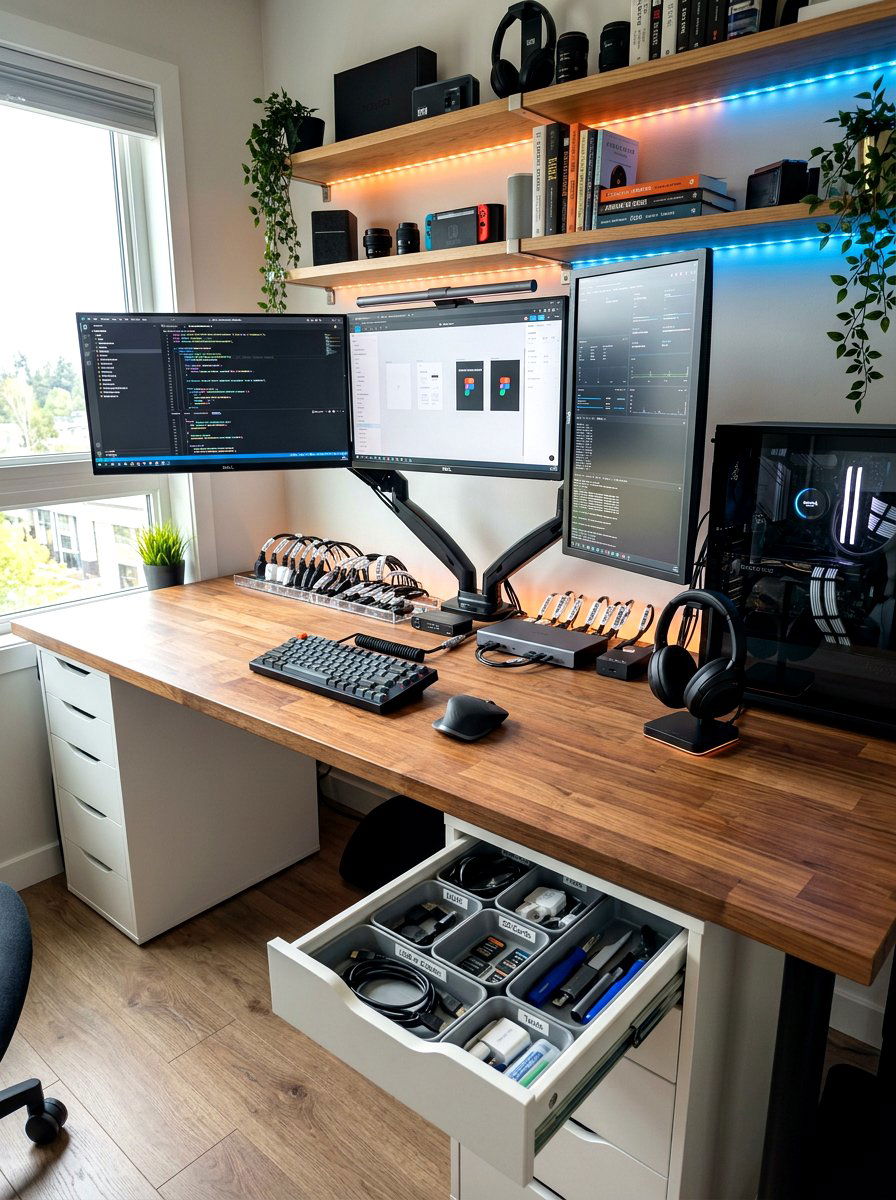
One of the most frustrating parts of cable management is trying to figure out which cord belongs to which device after they are all bundled together. Using a simple labeling system with small tags or colored stickers at both ends of every cable can save you hours of troubleshooting. You can write the name of the device directly on the tag so you never accidentally unplug your router when you meant to reset your printer. This level of organization is essential for complex setups with multiple monitors and accessories. It makes maintaining and upgrading your office technology much faster and far less stressful.
21. Elastic Cord Wraps

Elastic wraps are made of flexible fabric or rubber that stretches to accommodate different thicknesses of cable bundles. These are particularly useful for temporary setups or for people who frequently travel with their office gear. You can quickly wrap a long laptop charger or a pair of headphones to prevent them from tangling in your bag or on your desk. The soft material is gentle on the wires and provides a bit of extra grip on smooth surfaces. Because they are so easy to apply and remove, they are a great everyday tool for keeping your smaller office accessories neat and tidy.
22. Built In Desk Power
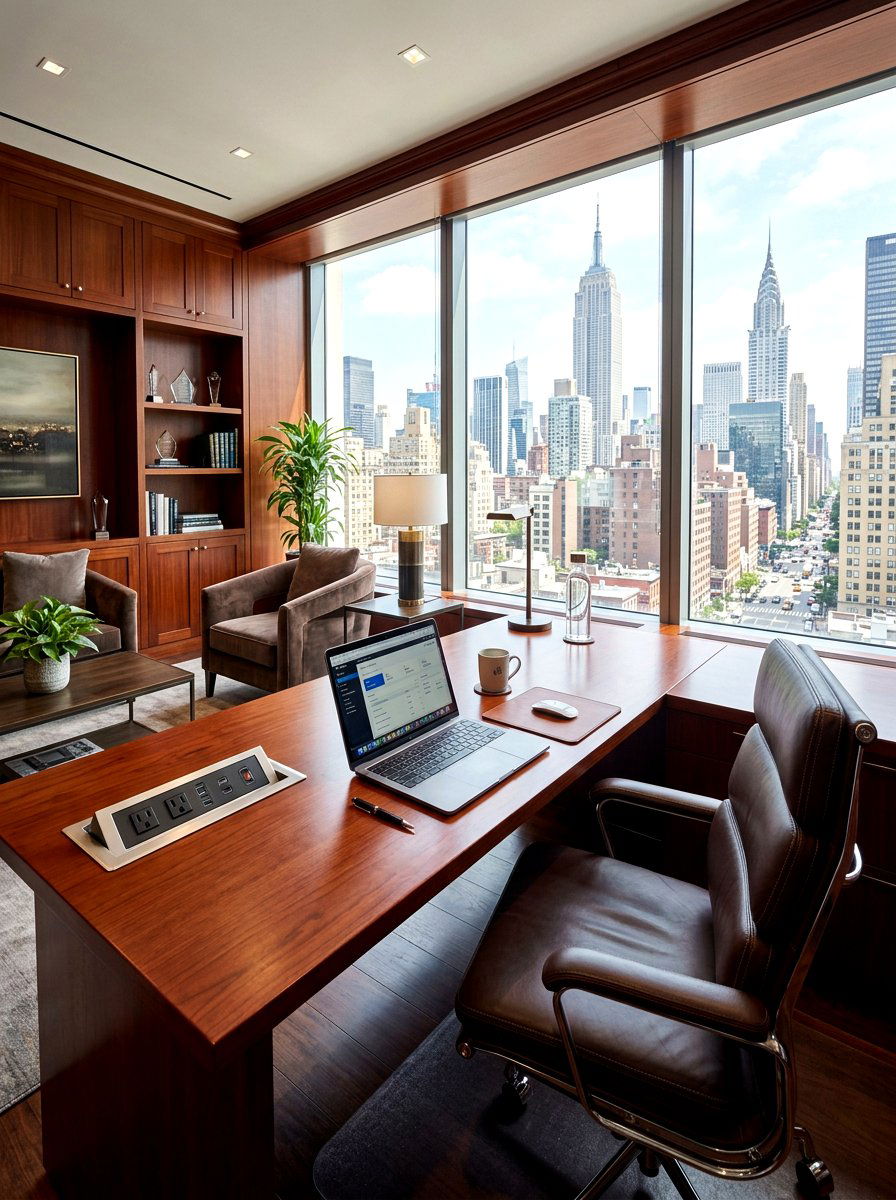
Choosing a desk with integrated power outlets and USB ports allows you to plug your devices directly into the furniture itself. This high-end feature eliminates the need to reach under the desk for a power strip and keeps all your connections within arm's reach. Many modern desks include a hidden compartment or a flip-top lid that conceals these ports when they are not in use, maintaining a clean surface. By having the power source built into the workstation, you drastically reduce the amount of visible wiring. It is an excellent investment for anyone building a permanent and high-functioning home office.
23. Cord Management Net
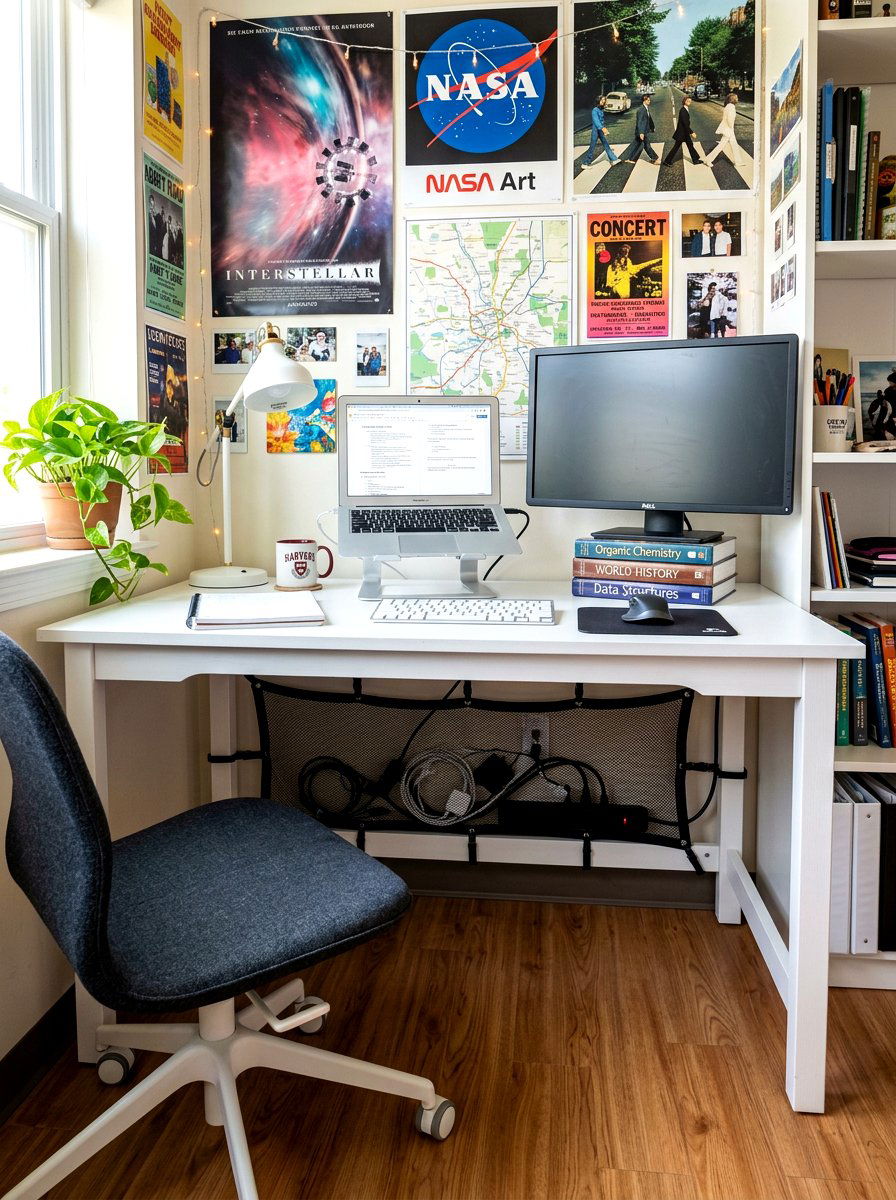
A flexible mesh net can be stretched across the bottom of your desk to create a lightweight hammock for your power strips and cables. This is an excellent alternative to heavy metal trays, especially for desks made of thinner materials where you want to avoid heavy drilling. The netting allows for maximum airflow around your electronics and can hold a surprising amount of weight. Because it is flexible, you can easily reach inside to plug in a new device or adjust a connection. It is a budget-friendly and highly effective way to keep everything off the floor in a very discreet manner.
24. Flexible Silicone Cable Holders

Silicone holders feature several slots that can grip the ends of your cables, keeping them lined up and ready for use. These are typically small, rounded devices with a sticky bottom that you can place anywhere on your desktop or nightstand. They are perfect for keeping your phone charger, laptop power lead, and USB-C cables from falling onto the floor. The soft silicone material won't scratch your cables and provides enough friction to keep them securely in place. They come in many fun colors or neutral tones, making them a decorative and functional addition to any modern workspace setup.


25. Dual Monitor Cable Clamps

Managing the many wires required for a dual or triple monitor setup can be a daunting task without the right tools. Specialized clamps can be attached to the back of your monitors or to the mounting stand to keep display cables and power cords perfectly aligned. This prevents the "spider web" effect that often occurs when several large screens are used together. By grouping the wires into a single horizontal run, you create a much more professional and polished appearance. This is essential for streamers or creative professionals who want their background to look as good as their digital work.
26. Minimalist Cable Management
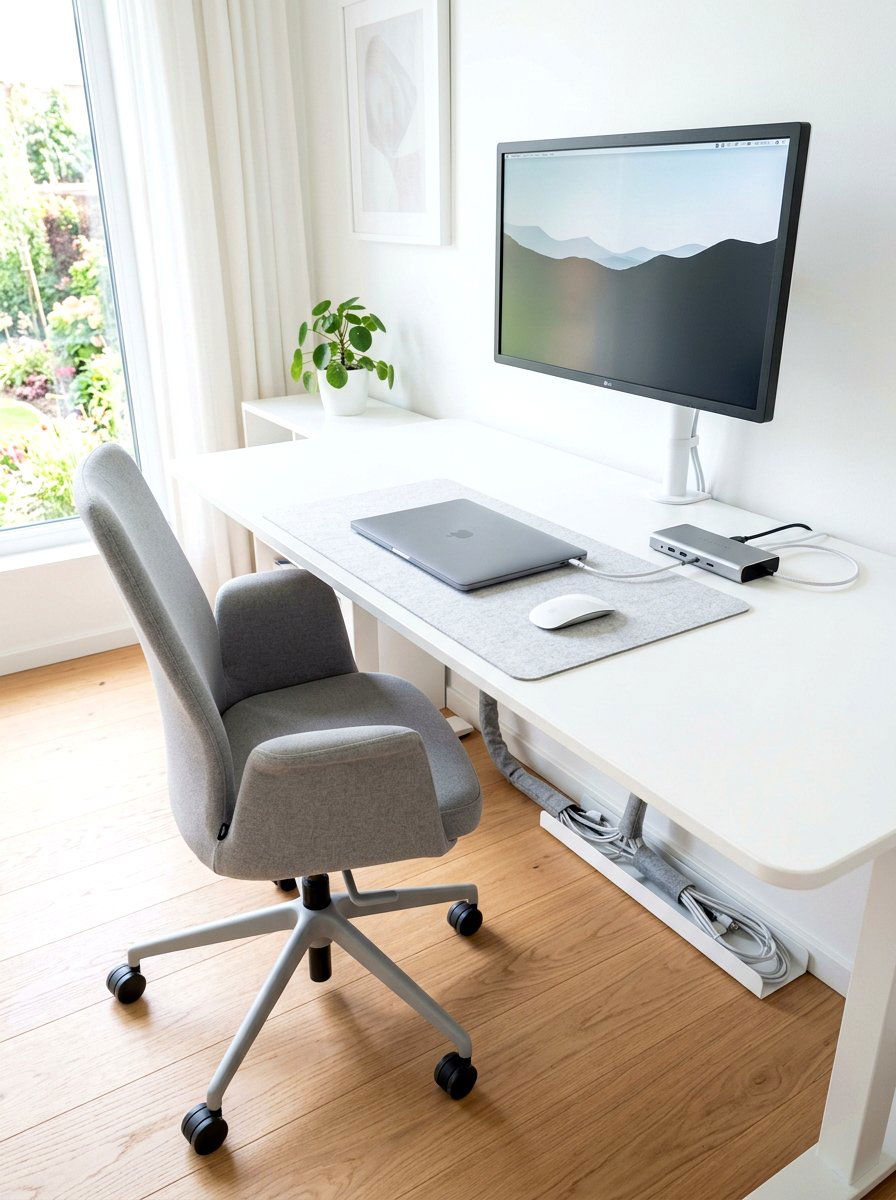
A minimalist approach to cable management focuses on using the absolute minimum number of cords possible and hiding the rest entirely from view. This often involves using a single-cable docking station for your laptop, which handles power, video, and peripherals through one connection. You can then route that single cable through a discreet hole or behind a desk leg for a nearly cord-free look. Minimalist setups prioritize a clean workspace above all else, often hiding every power strip and adapter inside a drawer or cabinet. This style is incredibly popular on social media because it creates a very calming and artistic office environment.
27. Behind Desk Cable Organizer
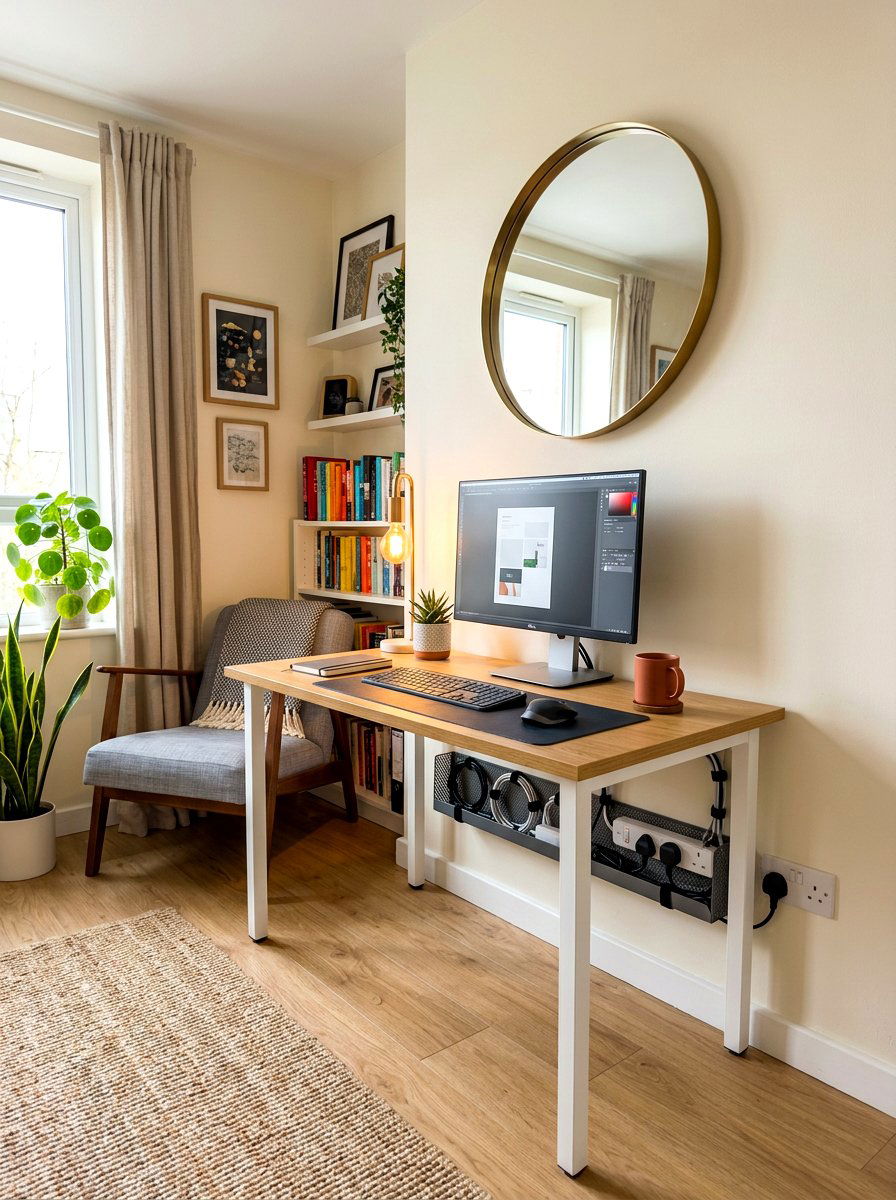
A wide organizer that hangs off the back edge of your desk provides a convenient ledge for power strips and bulky adapters. This solution is ideal for people who don't want to drill holes into the bottom of their furniture but still want to hide their cords. These organizers are usually made of steel or sturdy plastic and can be clamped onto the desk surface in seconds. They keep all the heavy electrical equipment tucked away in the gap between the desk and the wall. This effectively hides the clutter from anyone sitting in the chair or standing in front of the workstation.
28. Retractable Cord Reel

For devices that you only use occasionally, like a printer or a desk lamp, a retractable cord reel can be a fantastic space-saver. These devices allow you to pull out only the exact amount of wire you need, while the rest stays neatly coiled inside a protective housing. This prevents long loops of unused cable from tangling around your feet or other desk accessories. When you are finished using the device, a simple tug retracts the cord back into the reel. It is a very practical solution for maintaining a flexible workspace where your needs might change throughout the busy work day.
29. Color Coded Cable Management
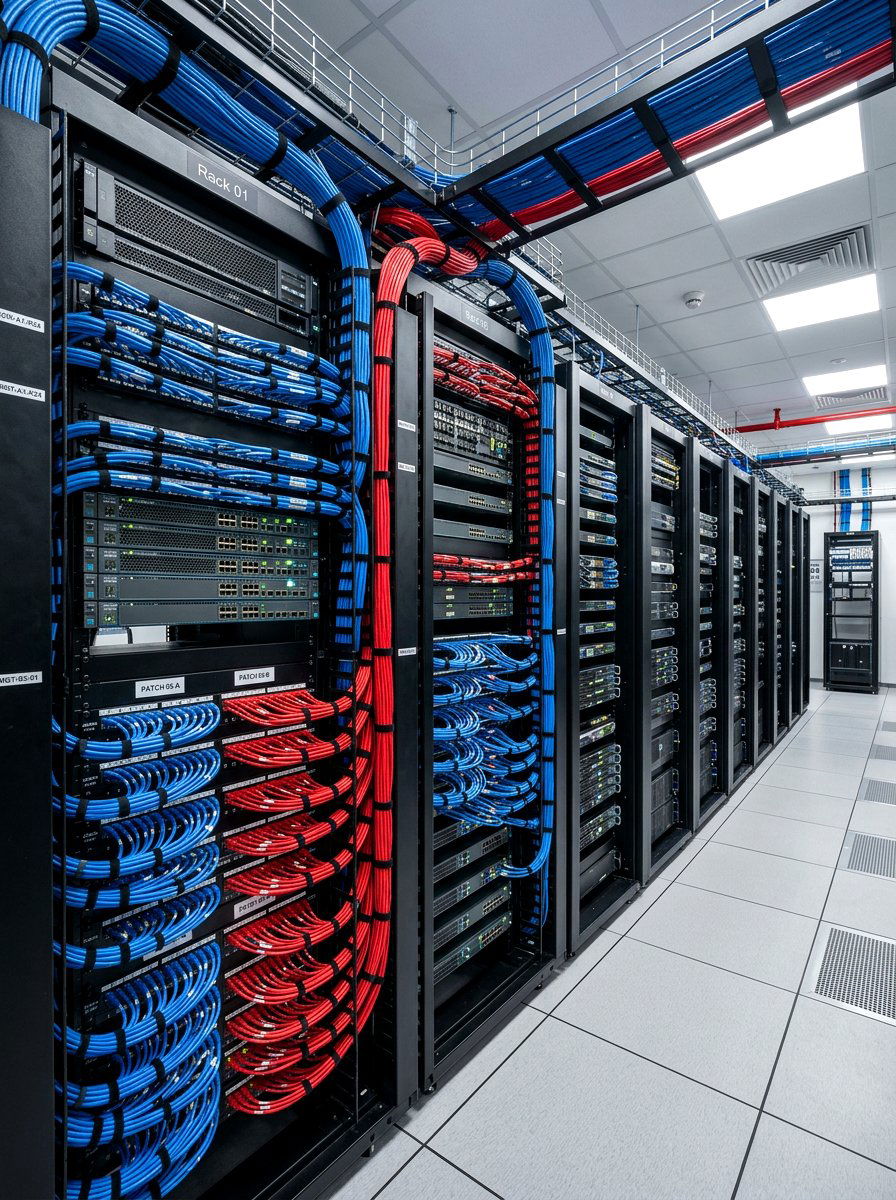
Using different colored cables or ties for different types of connections can make your office much easier to manage. For example, you might use blue cables for internet connections, red for power, and green for audio devices. This visual shorthand allows you to identify any cord at a glance without having to trace it back to the source. It is especially helpful in large office environments or for people who have many different technological systems running at once. Color coding adds a layer of organization that feels professional and intentional, helping you maintain total control over your complex technological workspace.
30. Cable Management Kit
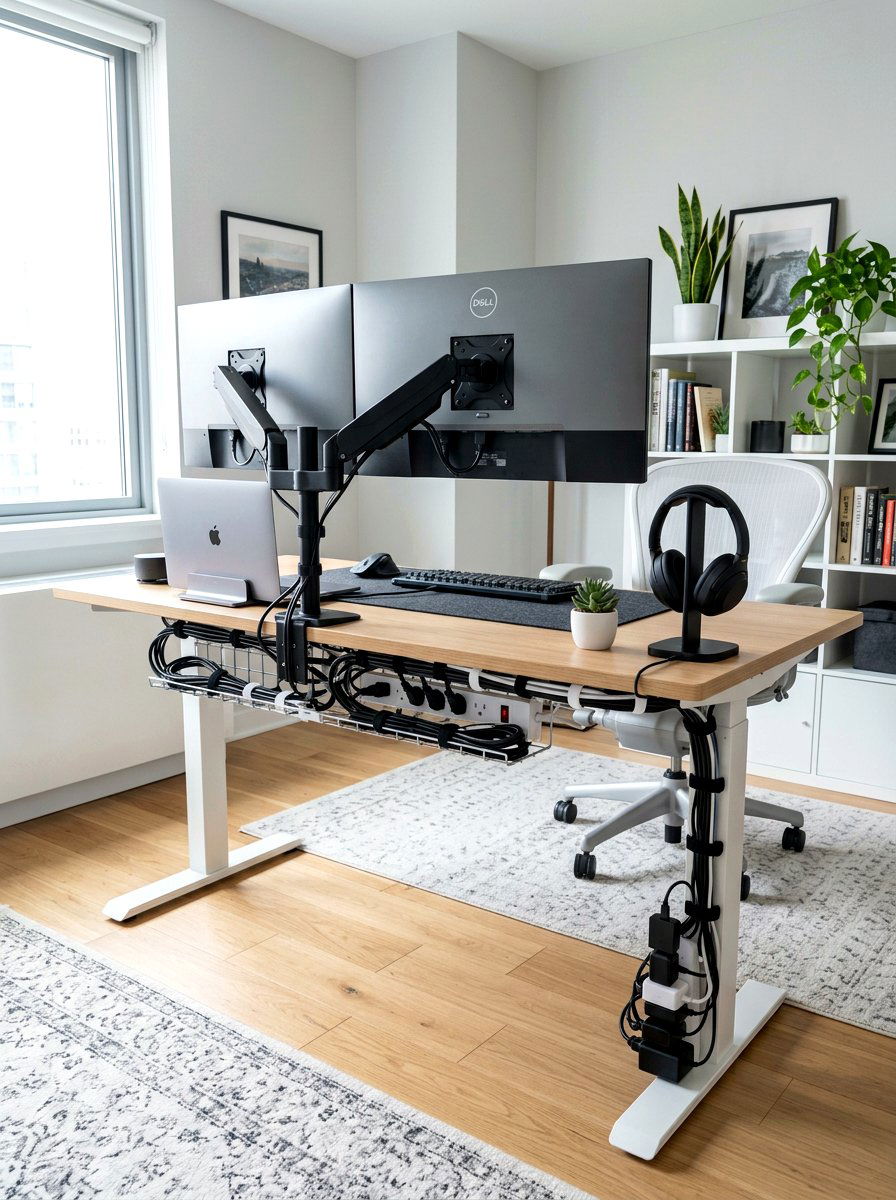
If you are starting from scratch, buying a comprehensive cable management kit is often the most efficient and cost-effective choice. These kits usually include a variety of tools like sleeves, clips, Velcro ties, and even adhesive raceways in one package. This gives you everything you need to tackle a complete desk overhaul in a single afternoon. Having a matching set of organizers ensures that your workspace has a cohesive and well-designed look. These kits are specifically designed to provide solutions for every part of your setup, from the desktop surface all the way down to the wall outlet behind the desk.
Conclusion:
Investing time into proper cable management is one of the most rewarding improvements you can make to your home office environment. A clean and tidy workspace does more than just look good; it actively reduces stress and allows you to focus more deeply on your creative projects. By choosing a combination of these thirty professional solutions, you can create a customized system that works perfectly for your specific technological needs. Whether you prefer a high-tech minimalist look or a more practical and accessible industrial setup, the key is consistency and planning. Start organizing your cords today to enjoy a more beautiful and productive workspace tomorrow.

Related posts: